Unofficial hosted demo · open source

The whole planet, live, in one browser tab.

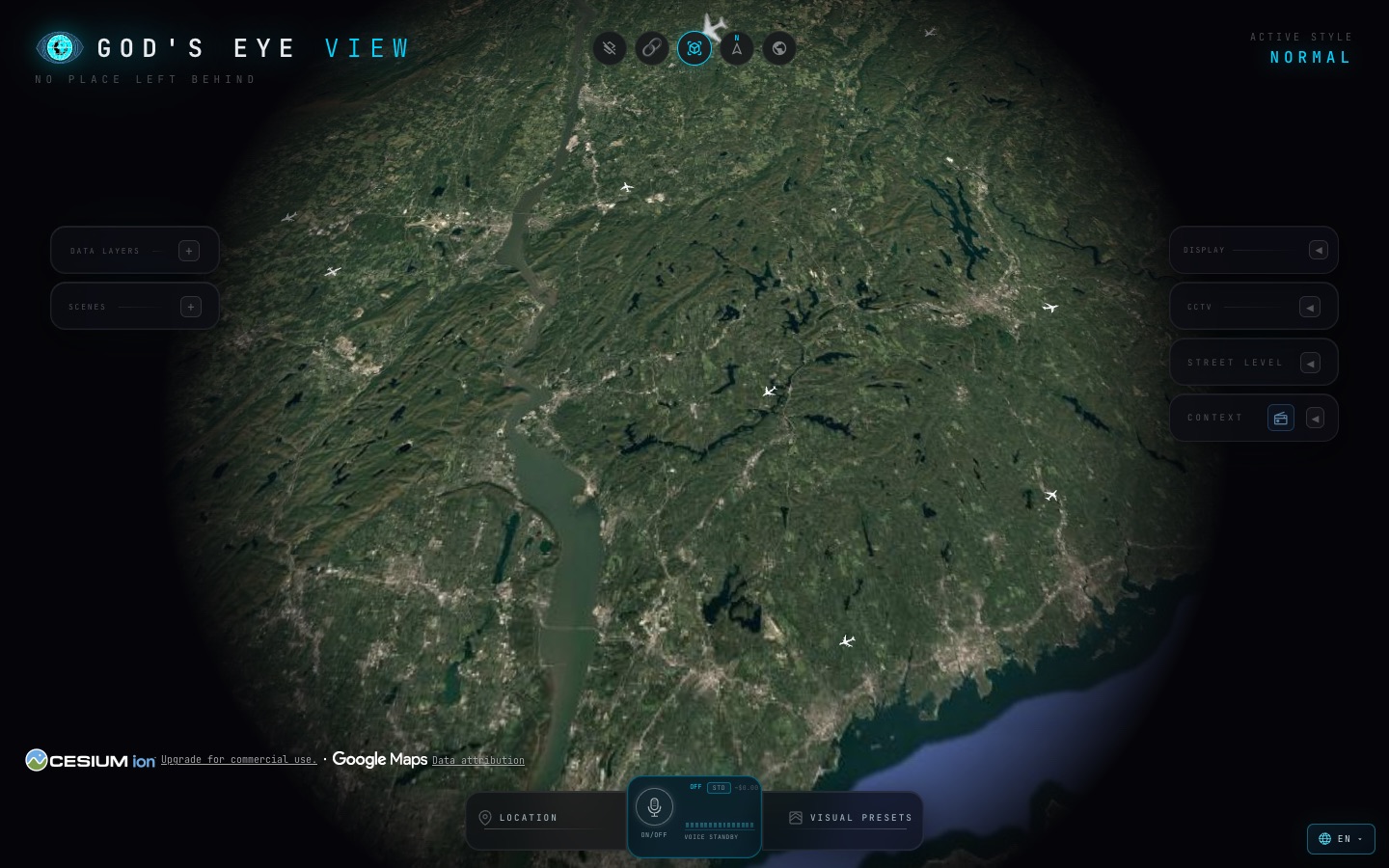
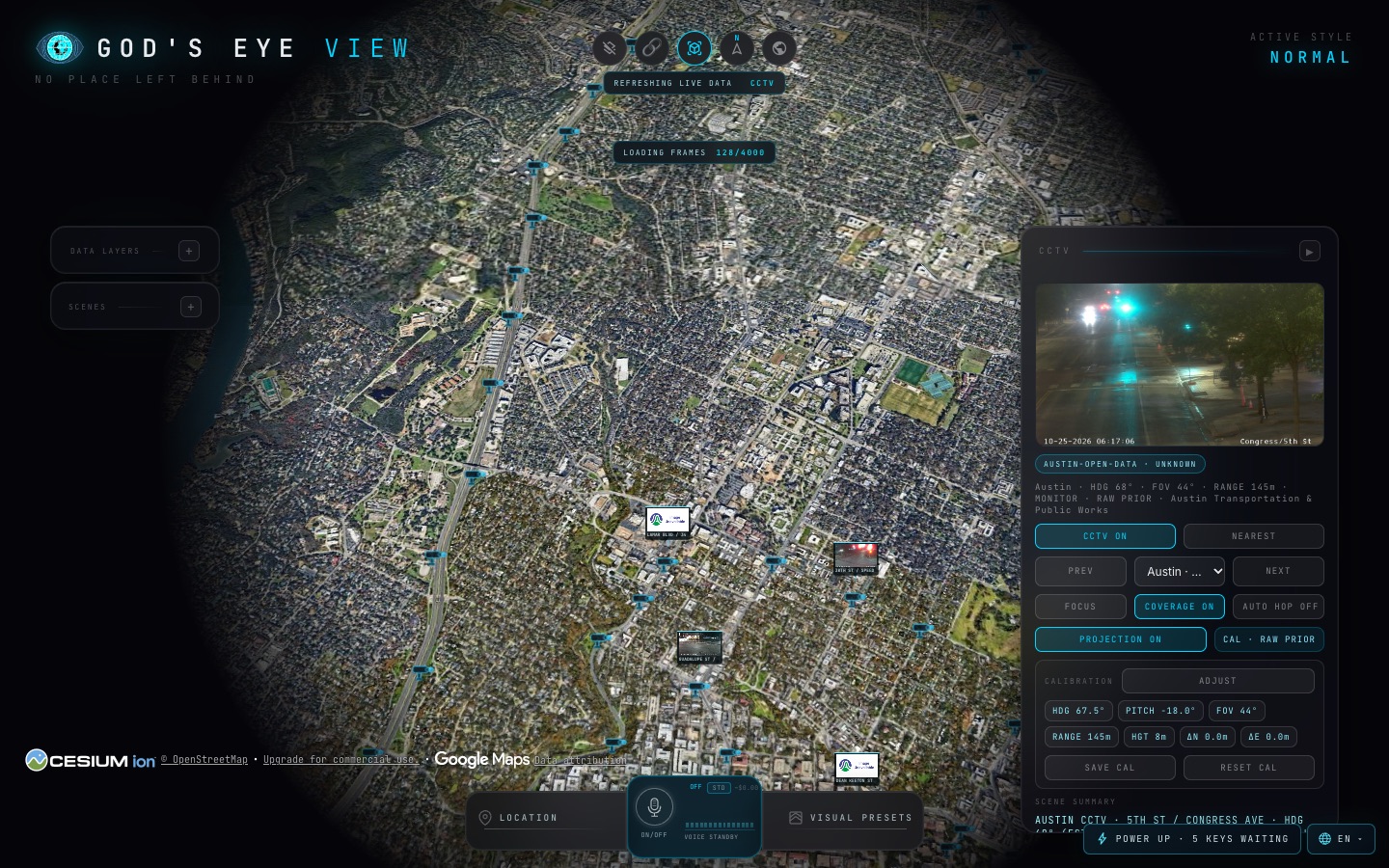
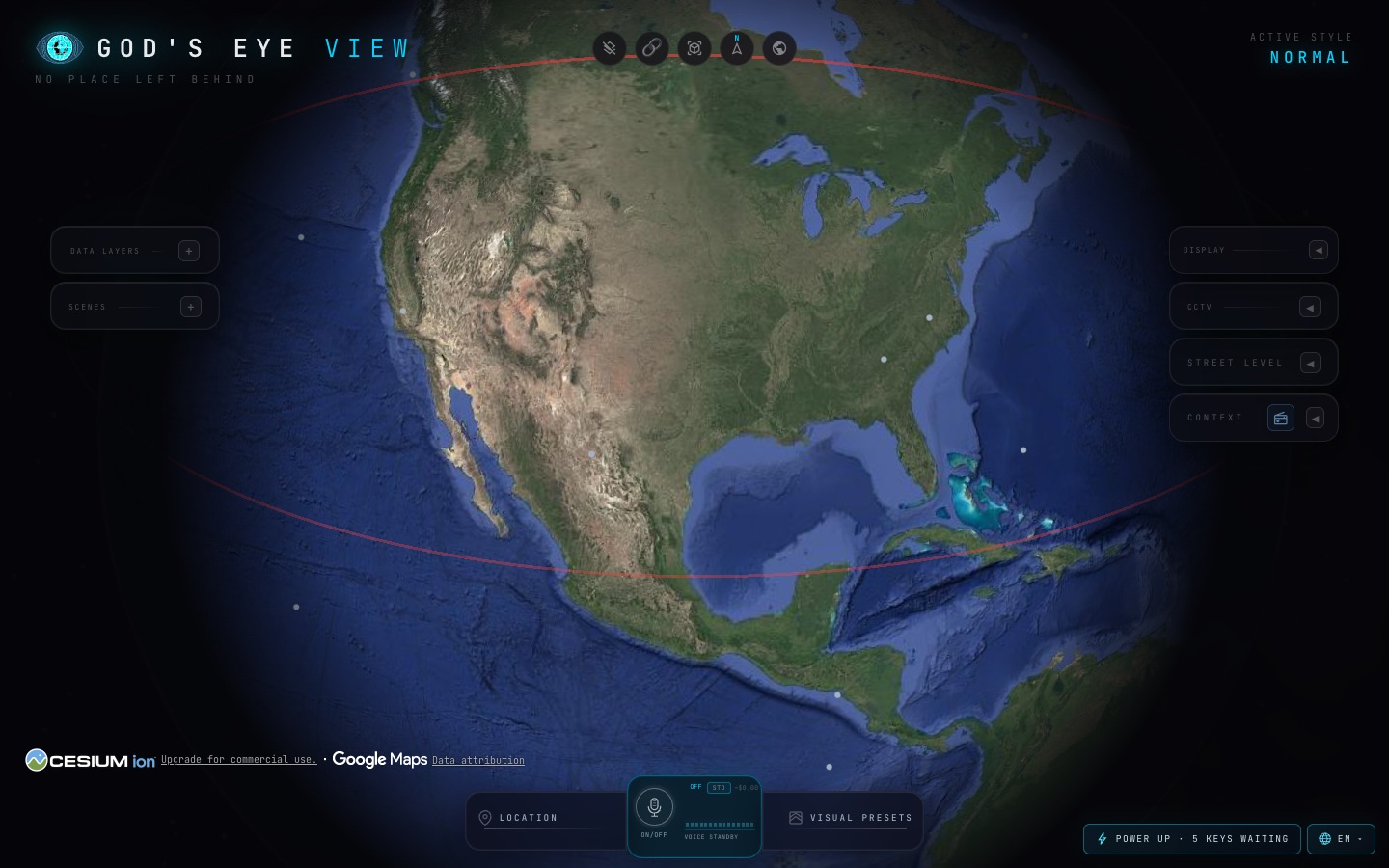
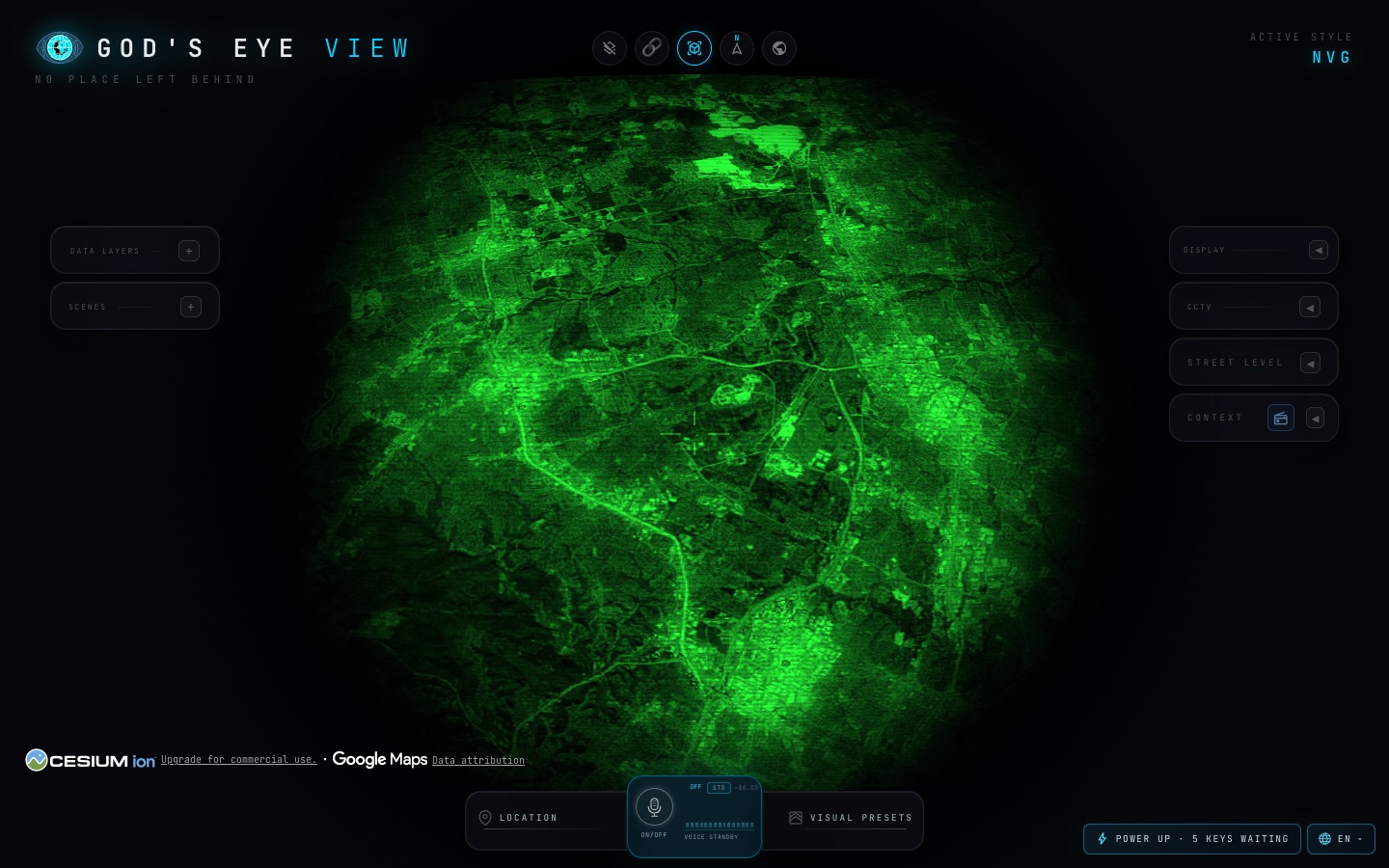
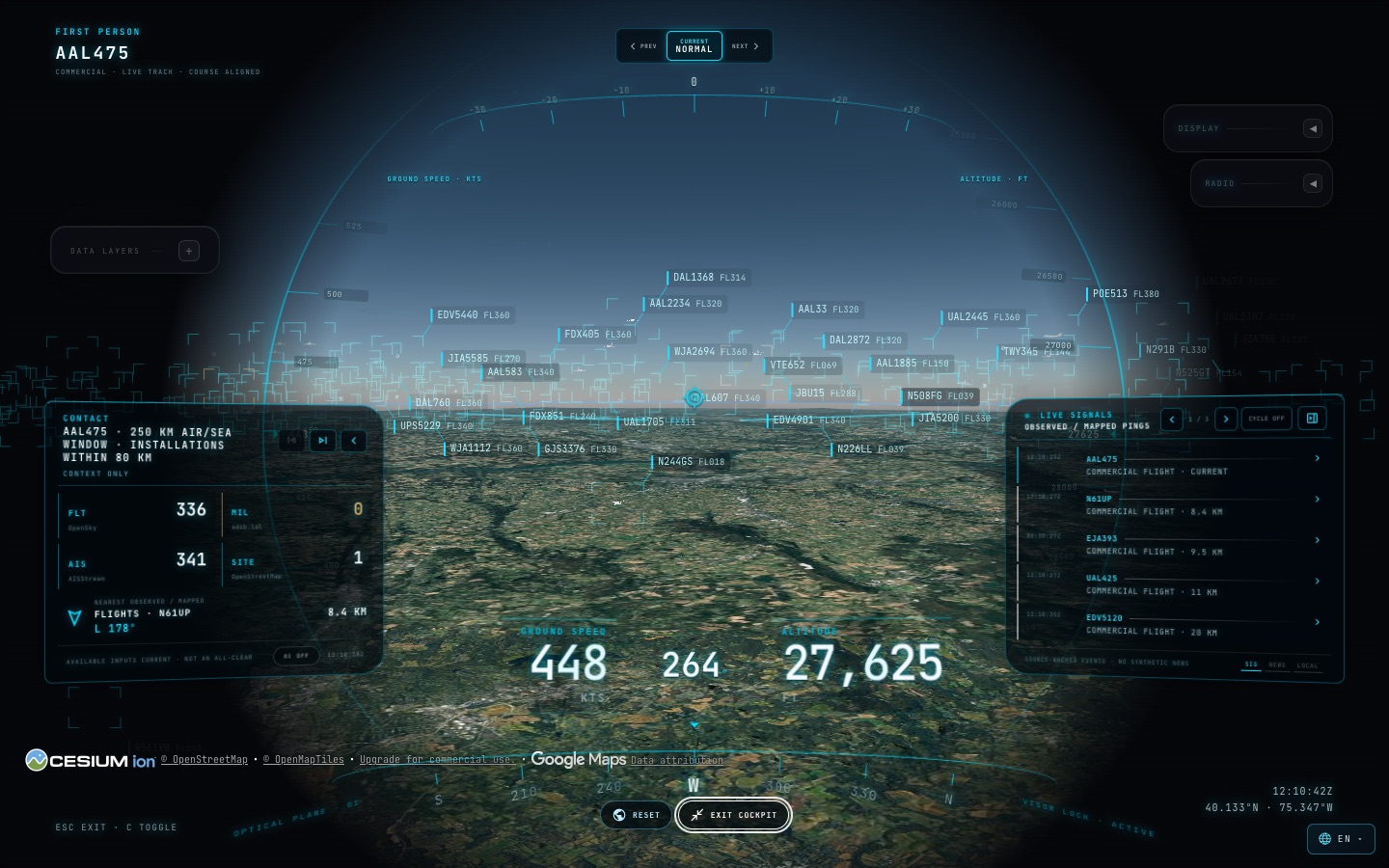
God's Eye View puts real-time public signals on a photorealistic 3D globe: aircraft transponders, ship beacons, satellite orbits, earthquakes, wildfires, road traffic and public cameras. You can fly from a global picture into a single street, or ride along in the cockpit of a plane that is in the air right now.

Built on the MIT-licensed God's Eye View by Bilawal Sidhu. This page and its demo are an independent, non-commercial showcase, not affiliated with the author.

A 75-second narrated walkthrough, recorded from the running demo on 25 October 2026. Every frame is live data.
The problem

The world already reports itself. Nobody can see it in one place.

Planes broadcast their position every second. Ships do the same. Satellites follow published orbits, seismographs post every tremor, NASA maps active fires, and cities stream their traffic cameras. All of it is public.

It is also scattered across dozens of sites, formats and maps that never meet. Answering "what is happening around that port right now?" means a dozen tabs and a lot of guessing.

9

live feeds verified

Aircraft, military tracks, ships, satellites, quakes, fires, traffic, cameras and street-level imagery, each tested on this deployment.

8,561

upstream tests passing

The project's own test suite, run in full on our fork before anything was exposed.

0

private data

Every layer comes from a public source with a published licence. Nothing is scraped and nothing is personal.

The product

One globe. Every public signal. Real optics.

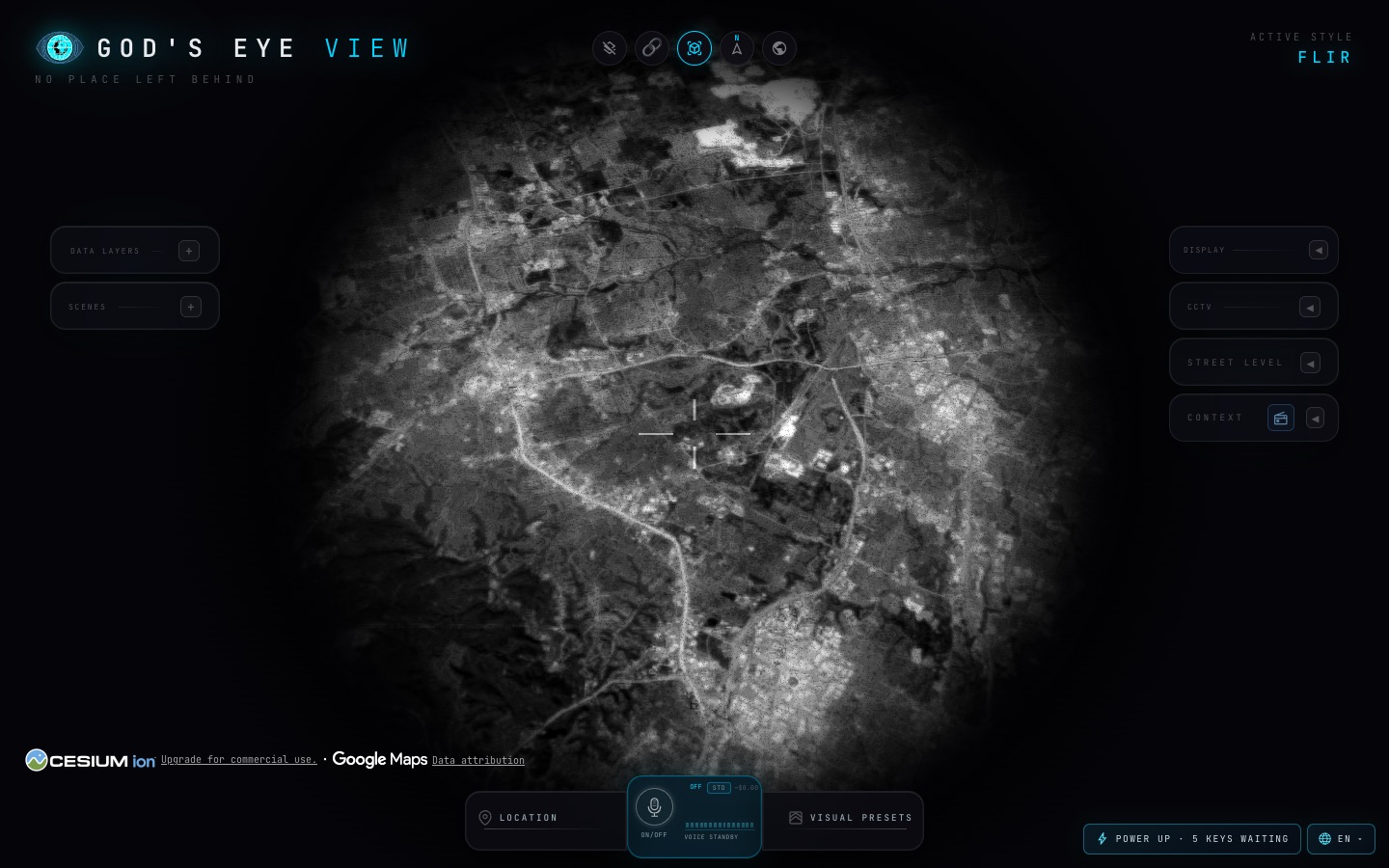
A photorealistic Earth rendered with CesiumJS, with live layers you can switch on and fly through. Click any plane, ship or camera for its details, switch the optics to night vision or thermal, and follow a contact all the way down.

Architecture

Your browser draws the planet. A small server holds the keys.

The globe and every layer render in the visitor's browser. Requests for live data go to the app's own server, which calls each provider with keys that never reach the browser. In front of it, a PIN gate decides who gets in.

Requirements vs. what's built

What works today, verified, and what doesn't yet.

Every "built" row was switched on in a scripted browser against this deployment and passed only if live data arrived with no errors. Rows that need keys or work we haven't finished say so.

Built 16Partial 2Roadmap 3
CapabilityStatusEvidence / notes
Photorealistic 3D globeBuiltGoogle 3D tiles via Cesium ion; renders on first load.
Alternate map stacksBuiltEsri satellite and OpenStreetMap both verified.
Coordinate search fly-toBuiltKeyless; landed 0.21 km from a Tokyo target.
Live aircraftBuiltOpenSky / ADS-B with aircraft-type lookups.
Military tracksBuiltVerified over Norfolk, Virginia.
Ships (AIS)BuiltLive AISStream feed, verified over Long Beach.
Satellites and ISSBuiltSix CelesTrak groups load.
EarthquakesBuiltUSGS live feed.
Active firesBuiltNASA FIRMS.
Live road trafficBuiltTomTom flow, capped at 4,000 tiles a day; cached tiles beyond.
Public cameras in 3DBuiltLive frames from Austin and other city feeds.
Street-level imageryBuiltMapillary, KartaView, Panoramax. Google Street View is off (needs a billed key).
Sensor stylesBuiltNight vision and thermal verified; seven styles in all.
Cockpit modeBuiltEntered on a live airliner; HUD, traffic labels, terrain.
PIN-gated accessBuiltSigned session cookie, attempt limits, key settings unreachable.
Public demo URLPartialGate and app run; the public tunnel is being connected.
Many simultaneous visitorsPartialAll visitors share one terrain-lookup budget (90/min). Heavy camera views briefly retry.
Narrated demo videoBuilt75 seconds, captured headlessly from the live app; streams as it loads.
Voice controlRoadmapSupported upstream; needs an OpenAI or Gemini key and a budget.
Direct Google 3D + place searchRoadmapNeeds a billed Google Maps key.
Always-on cloud twinRoadmapSame app on a small server, 24×7; see roadmap.
Roadmap

What comes next.

  1. Now

    Public tunnel

    Connect the demo host to its public address so PIN holders can open the live app from anywhere.

  2. Next

    Cloud twin, up 24×7

    The same application on a small cloud server with no code changes, configured by environment alone. The demo then stays up when the host machine sleeps.

  3. Next

    Voice

    "Show me the planes overhead." Switch on the upstream realtime voice agent with a dedicated key and a hard spend cap.

  4. Later

    Per-visitor throttles

    Give each visitor their own terrain and provider budget instead of one shared bucket, so busy sessions never slow each other down.

Deployment

Two ways to run it.

Running

Lane 1 · On your own machine

The app runs on a machine you control, managed by its service manager. A PIN gate fronts it, and an encrypted tunnel publishes it without opening a single port. Provider keys live in one ignored file on that machine.

  • Live data, real keys, zero cloud compute
  • Restarts itself on crash or reboot
  • Up while the host is awake and online
Roadmap

Lane 2 · Cloud twin

The same code on a small cloud server. Environment settings, not code changes, decide which features are on and which keys are used.

  • Nothing to install, up 24×7
  • Same PIN gate and limits
  • Separate keys with their own caps

Running your own copy? Clone the upstream repository; its README covers one-click, terminal and Docker installs. Our deployment notes are in the documentation.

Read enough? Fly it yourself.

The live demo is the real application on real data. Ask whoever shared this page for the access PIN.